Meetly for Mac.
Every call, remembered. Meetly notices when a call starts, records it with no bot in the meeting, and keeps every word on your Mac.
Free to start. macOS 15 or later, Apple silicon and Intel.
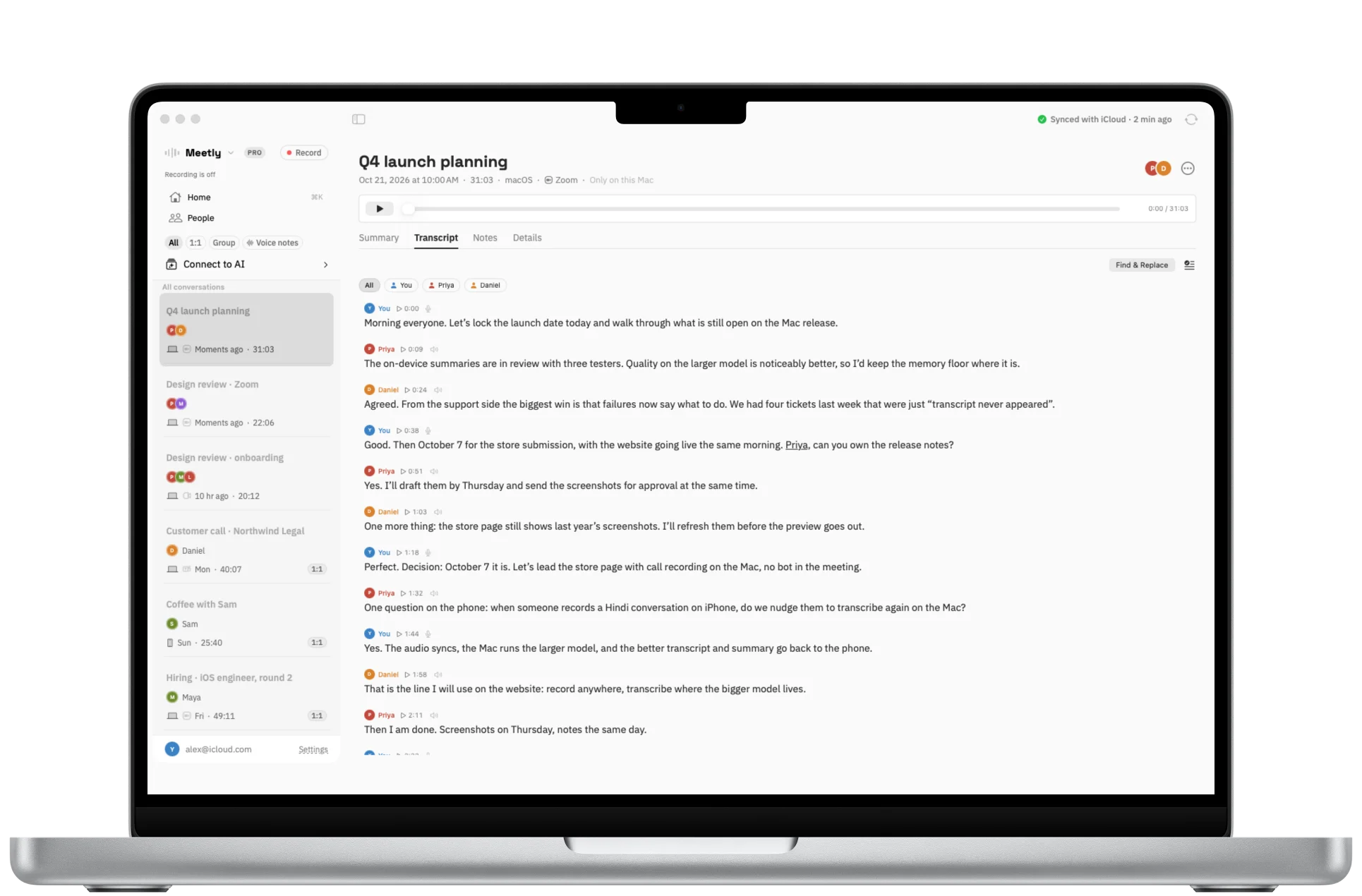
It notices when a call starts.
No button to press, and no bot in the meeting.
Every automatic recording starts with a notice that names the call and counts down, with Don’t record one click away. Prefer to be asked? Set it to ask first, or turn call detection off. Automatic recording comes with Pro.
A call starts
Meetly sees which app is using the microphone. Calls in your browser count too.
A small notice
Zoom call detected · Recording starts in 8s
. Don’t record is one click away.Both sides, recorded
Recording Zoom audio + microphone
. Your voice from the microphone, everyone else from the call.The call ends, it saves
Zoom call ended · Saving in 4s
. Then the transcript, the voices and the recap, on your Mac.
How Meetly works on Mac
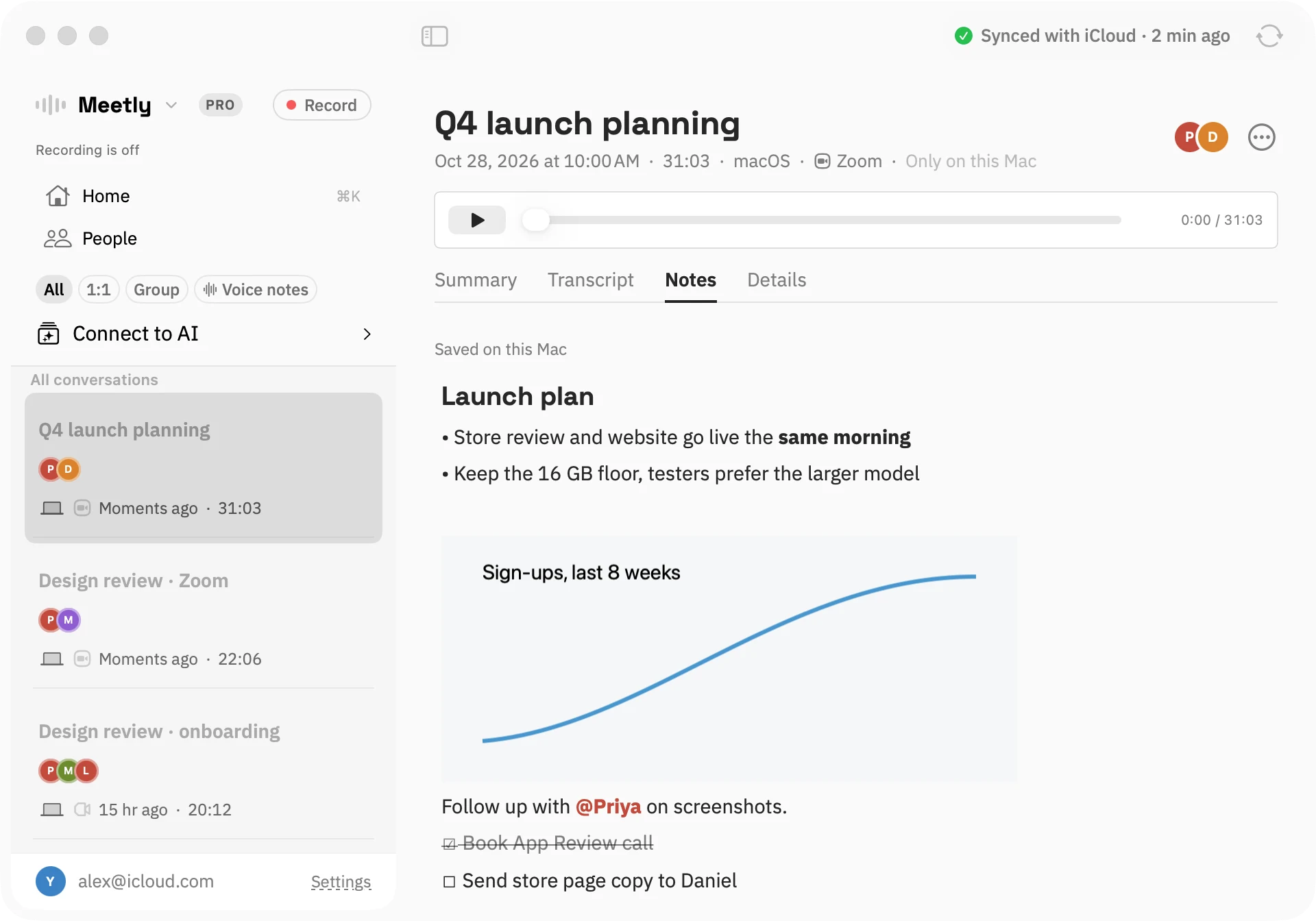
Notes, as it records.
Write while it listens: @mention a teammate, tick off what’s done, drop in a file. Saved on this Mac.

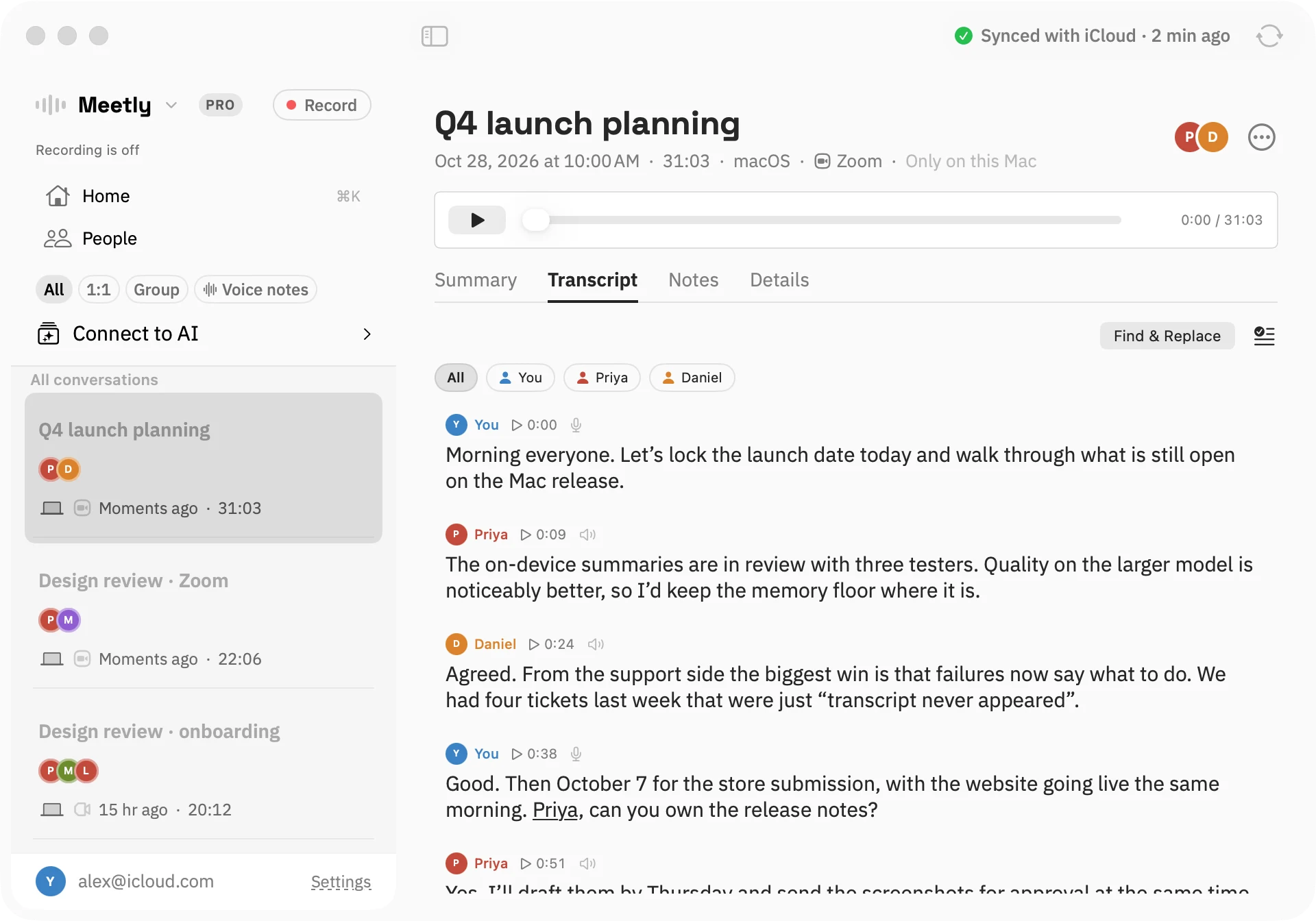
Who said what. Word for word.
Your voice from the microphone, everyone else from the call, each line with its time. Tap one to hear it again.
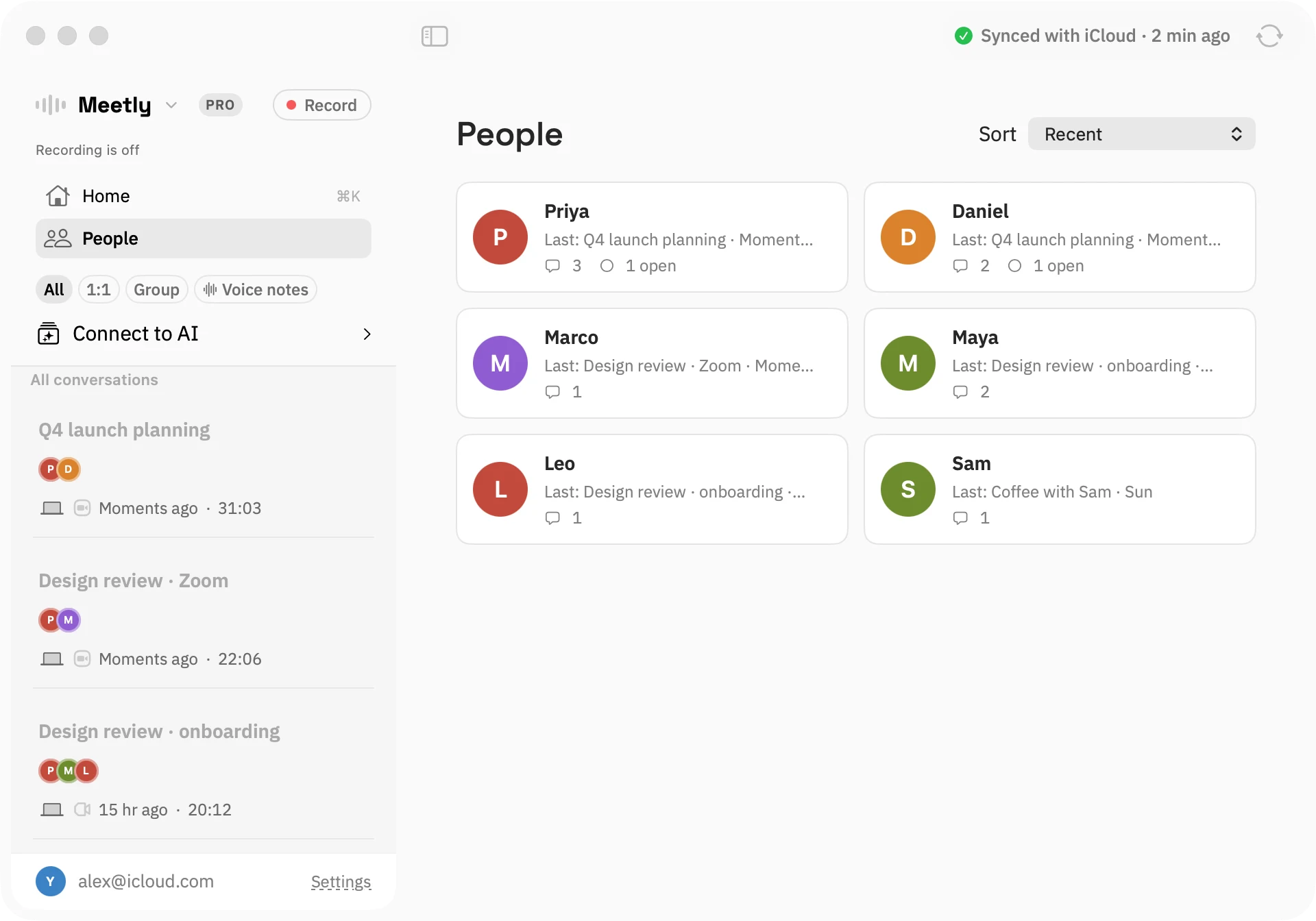
It knows your people.
Tag a voice once and Meetly recognises it next time. Each person’s conversations and open promises, in one place.
The recap, moments after.
Next steps with who owns them, decisions and key takeaways. Written on the Mac itself, or brought over from your iPhone.
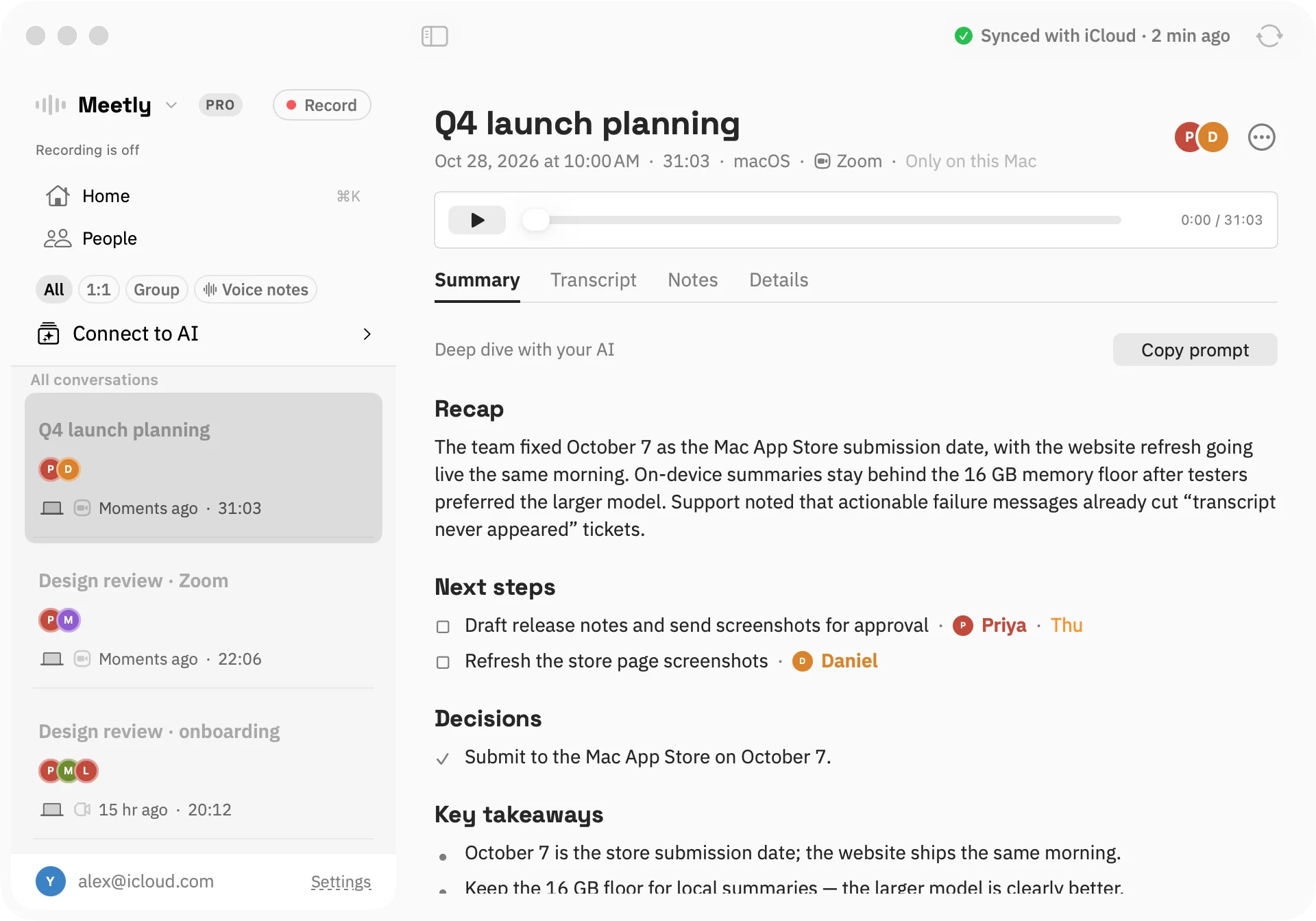
Meetly Auto. A speaker-tagged transcript, on your Mac.
On your Mac. English and 24 European languages by default, with Parakeet; for other languages, pick an Indian pack or Whisper.
- Parakeet
- English and 24 European languages, by default
- AI4Bharat
- Hindi, Tamil, Telugu and 19 more Indian languages
- Whisper
- Arabic, Chinese, Japanese and other languages
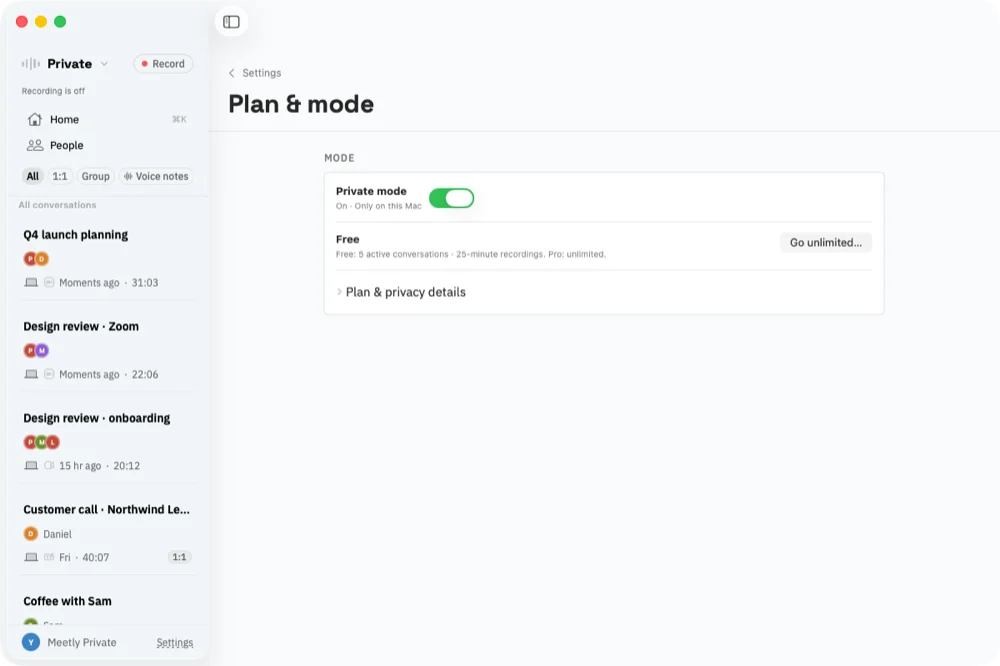
Completely private, when it must be.
Transcription and voices always run on your Mac, and sync goes through your own iCloud. Turn on Meetly Private and nothing leaves the Mac: no sync, no AI connections, no analytics.
Bring it to your AI.
Ask Claude, ChatGPT or any AI agent about your calls, word for word.
- ChatGPTChatGPT plugin
- ClaudeClaude connector
- GeminiConnect via MCP
Gemini, Cursor, Kimi and any other AI agent connect via MCP: https://mcp.getmeetly.ai/mcp How to connect
Then get the work done, in your tools: Notion, Figma, Gmail, Google Docs, Slack, Linear, Cursor, Jira and HubSpot.
Your tools are reached through your AI’s own connectors. You choose what it reads; text, never audio.
Questions
- Which Macs?
- macOS 15 or later, on Apple silicon or Intel.
- Is it free?
- Yes, with limits: recordings up to 25 minutes, and 5 conversations kept at a time. Pro removes both limits, on every device. Free and Pro, compared
- How does it install?
- Open the DMG and drag Meetly to Applications. Updates arrive in the app. Choose Stable or Beta in Settings → Updates.
- What leaves my Mac?
- No cloud summaries: Meetly for Mac writes them on the Mac, and syncs only through your own iCloud. Privacy
- What can an AI agent see?
- Only what you connect: it reads your transcripts and summaries and, when you ask, saves a title, tags or a note, never audio.
- Does it record without telling me?
- No: a notice names each call and counts down before it records, with Don’t record one click away. Recording laws vary by country and workplace, and some conversations shouldn’t be recorded at all. Your responsibilities
Your private vault. It’s all connected.
iCloud Sync brings your iPhone, iPad and Mac together, through your own iCloud.
- iPhone
- iPad
- Mac
Meetly Capsule and Card arrive early 2027.
Ready for your next call.
Also on the Mac App Store. Mac setup guide