Meetly for iPhone and iPad.
Your conversation memory. Tap record and put the phone down: Meetly keeps every word, knows who said it, and keeps it on your device.
Free to start: recordings up to 25 minutes, 5 conversations at a time. Pro removes the limits.
Today: conversations in the room, and calls on your Mac, both sides. Calls on your iPhone come with Meetly Card, early 2027.
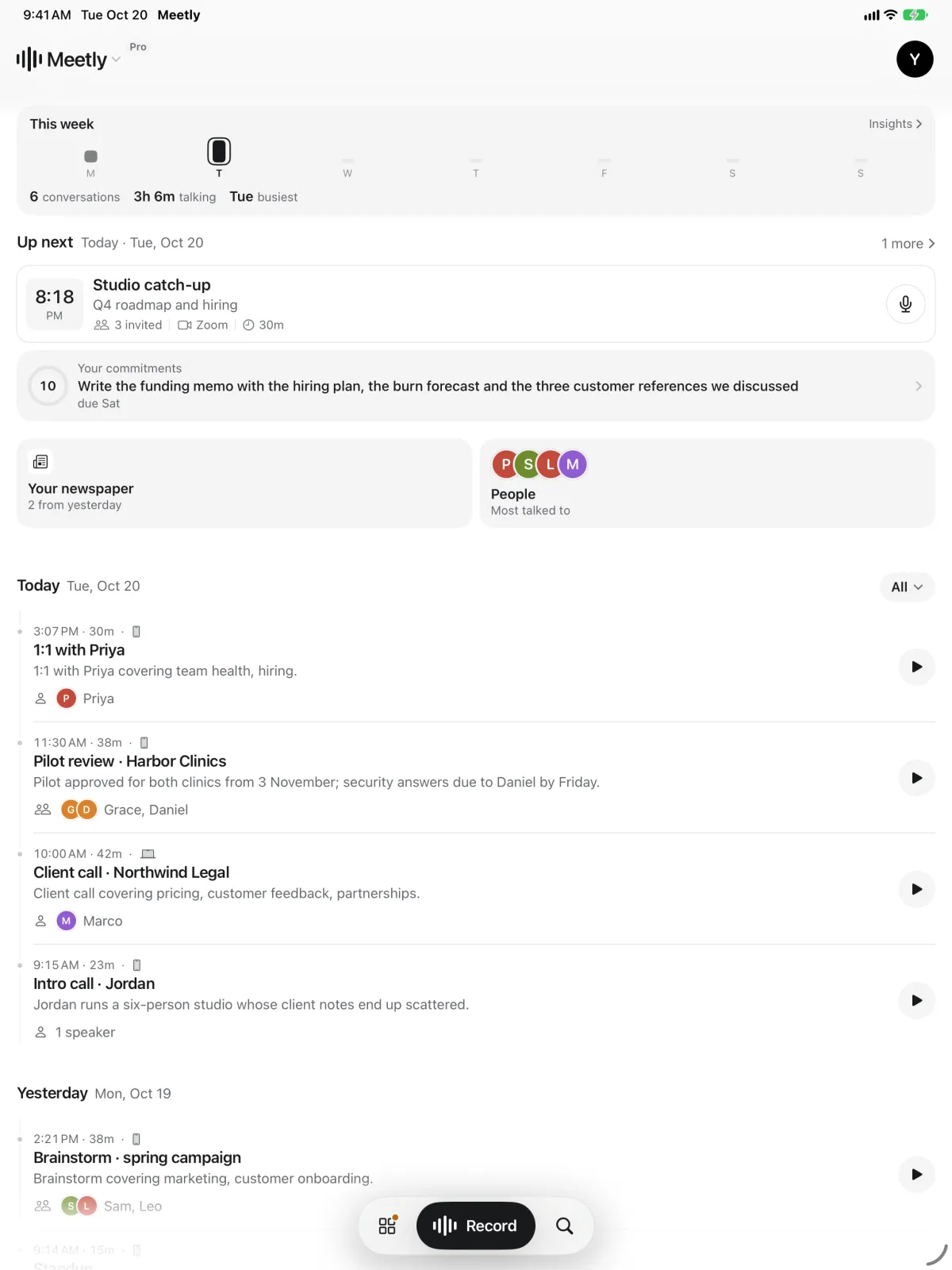

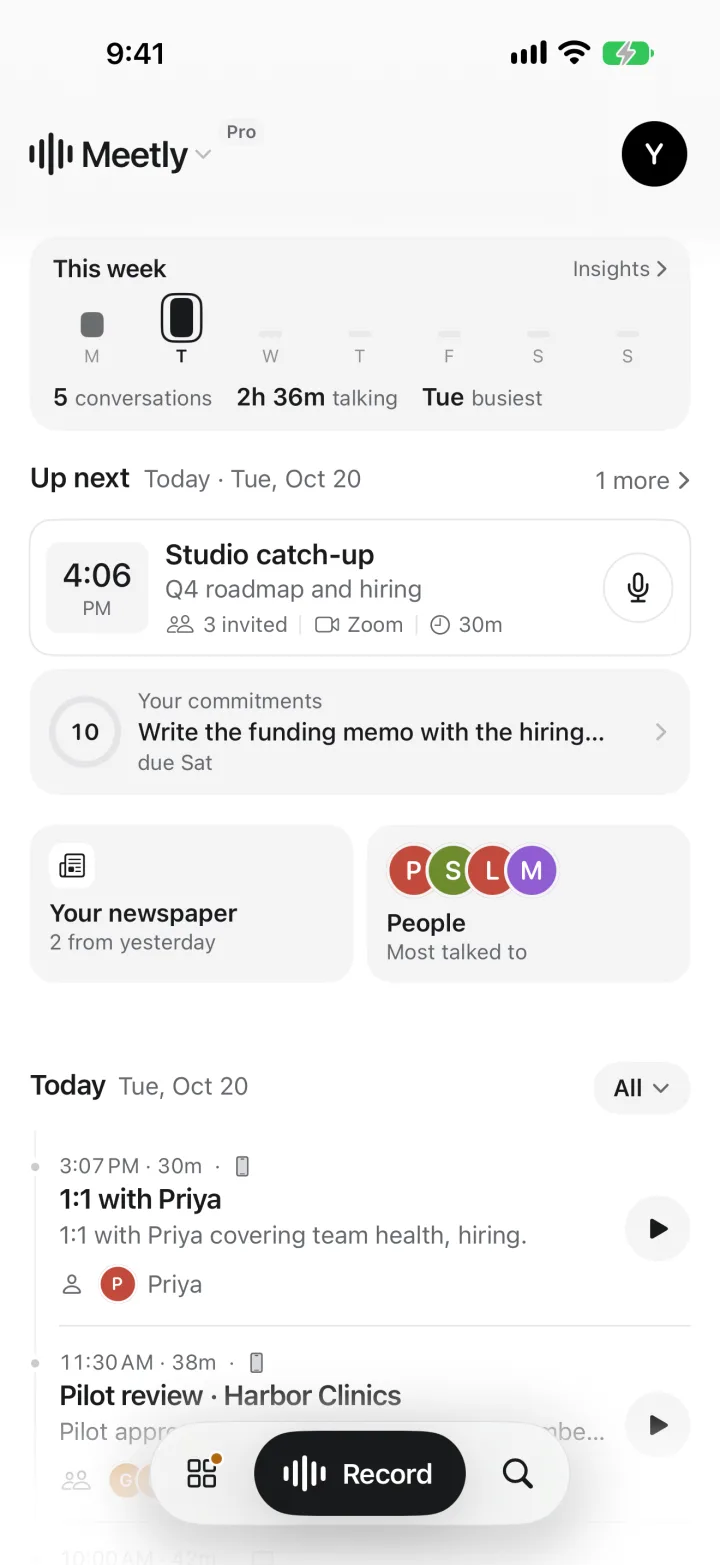

How Meetly works on iPhone
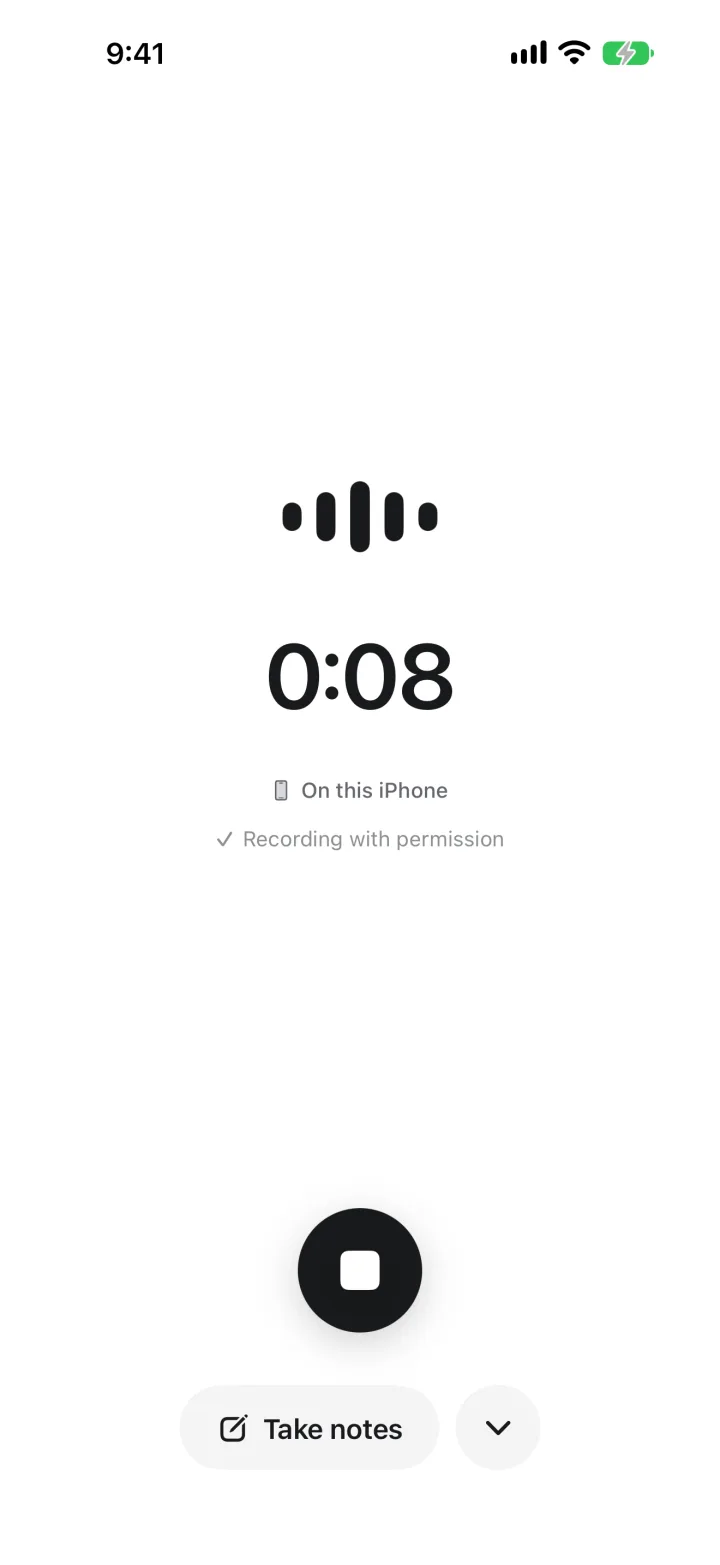
Tap record. Put the phone down.
Meetly prompts you to ask for consent first, then keeps the whole conversation, for as long as it runs.
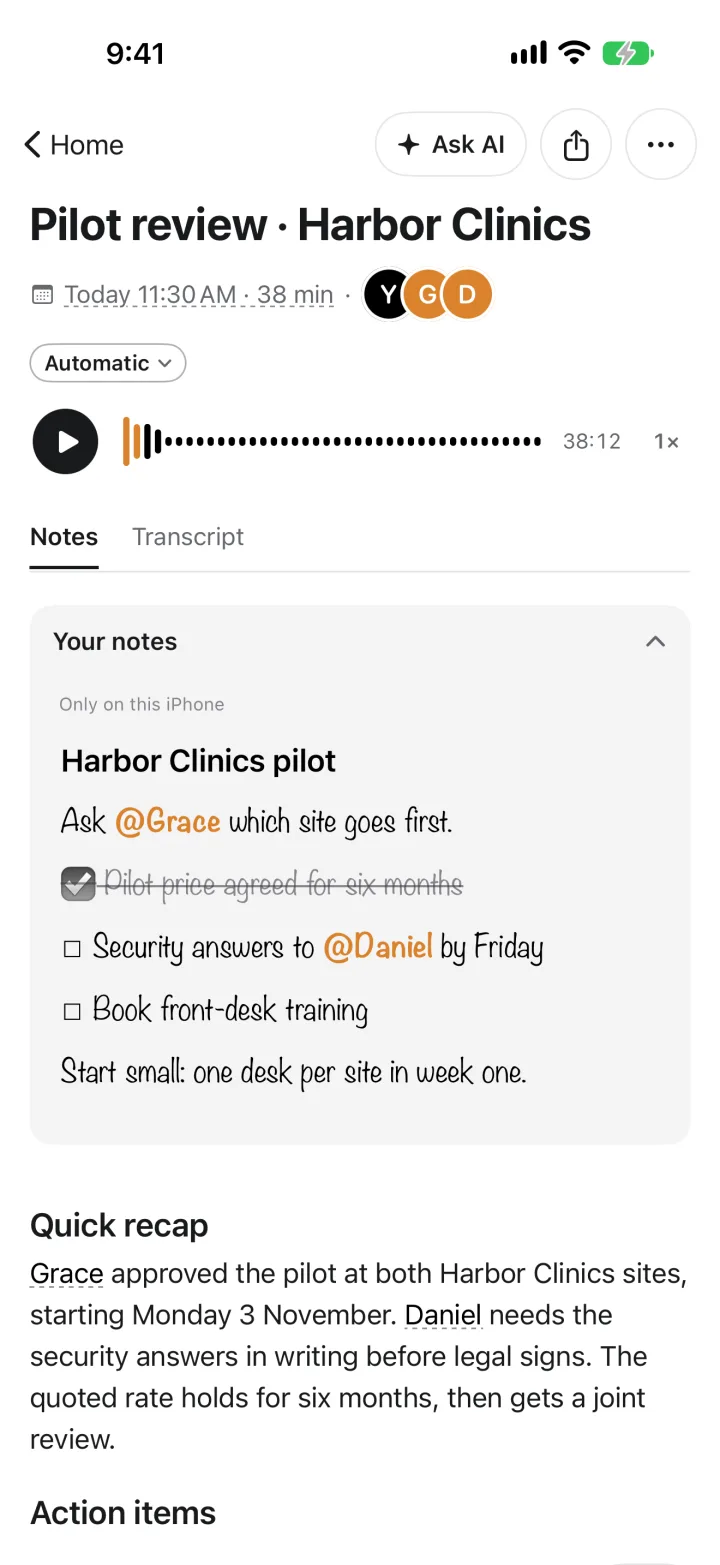
Your notes, right beside it.
Jot a few words as it records, type or handwrite. Tag people with @, tick off what’s done. The recap sits just below.
Meetly Auto. Any conversation in. A tagged transcript out.
On device. It hears the language and picks the model for it: every language, from English and 24 European languages to Hindi and 20+ Indian languages (even Hinglish), Chinese and Arabic. How it works
- Parakeet
- English and 24 European languages
- AI4Bharat
- Hindi, Marathi and 20 more Indian languages
- Hinglish
- Hindi and English mixed, even mid-sentence
- SenseVoice
- Chinese
- Whisper
- Arabic and every other language
Who said what, on iPhone
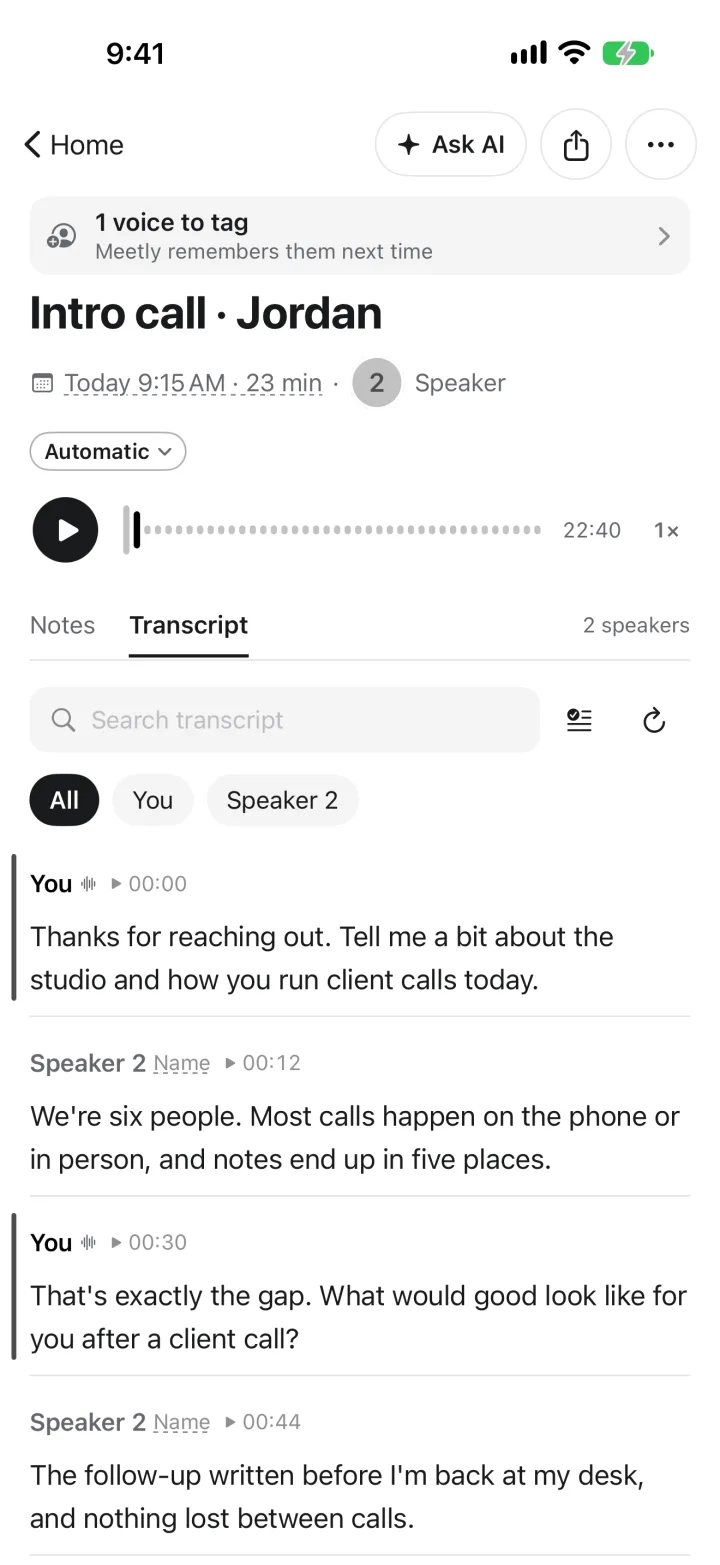
Who said what. Word for word.
Every line tagged with who said it, with its time. Tap one to hear it again.
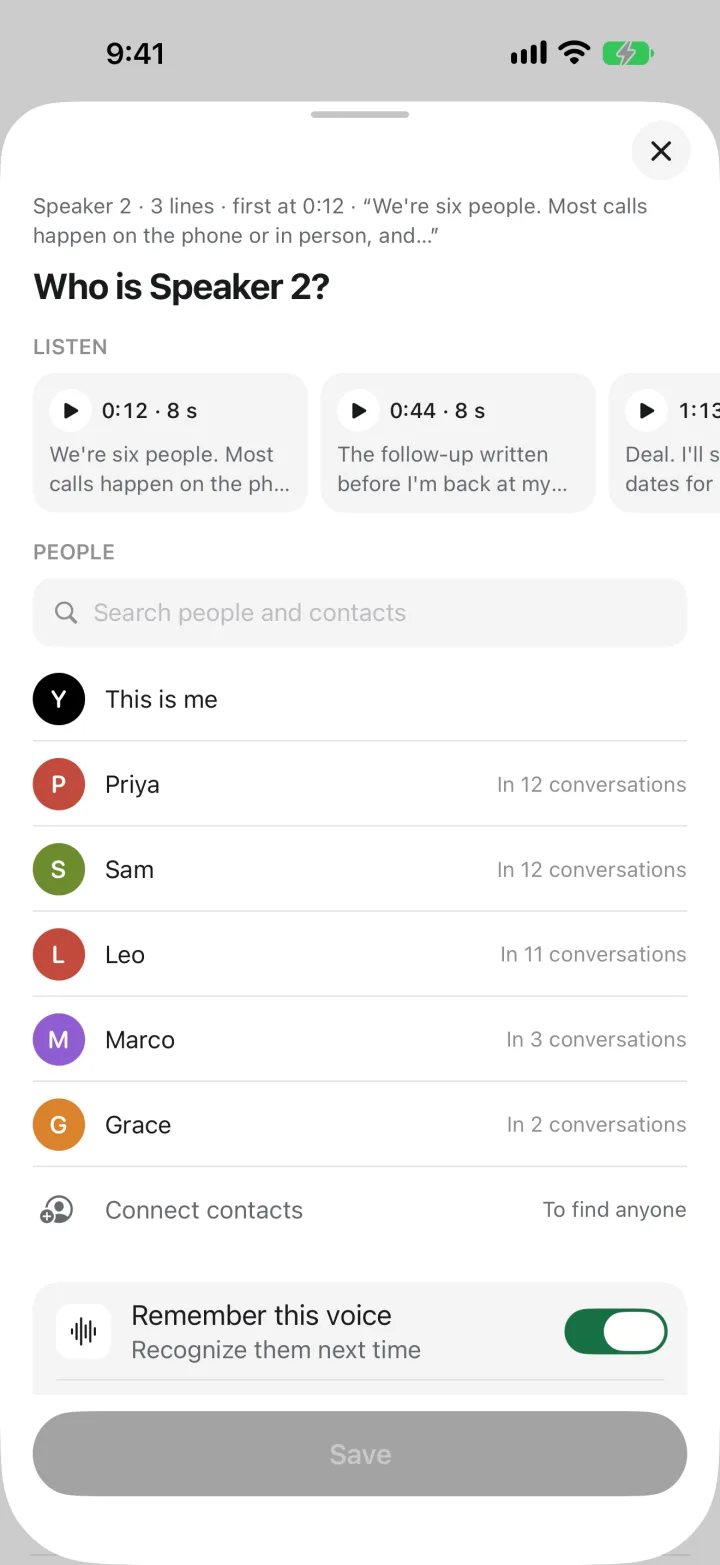
Tag a voice once. It remembers.
Name a speaker, or pick them from your contacts, and Meetly knows their voice in every conversation after.
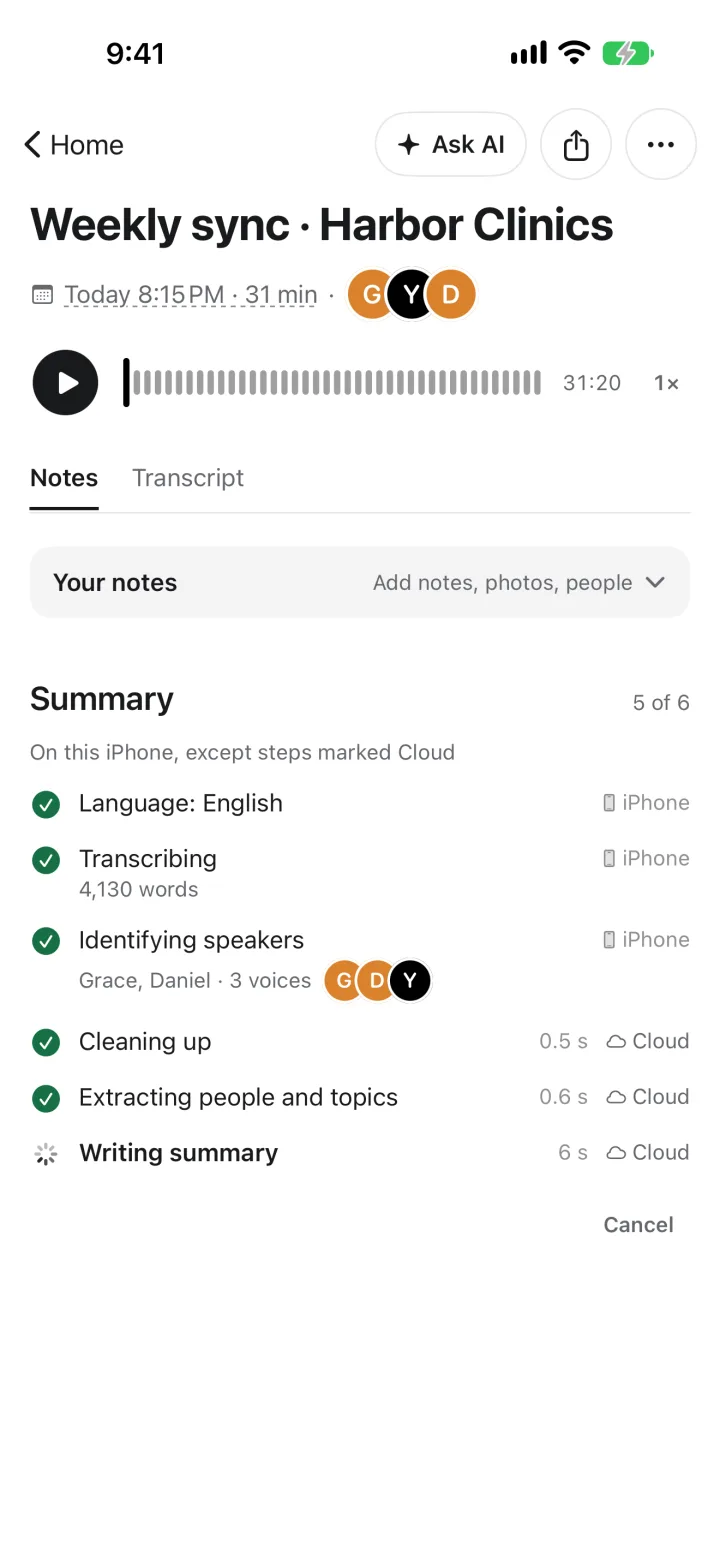
Private. On your device.
Recording, transcription and voices run on your iPhone, even offline. Sync goes through your own iCloud. Cloud summaries are your choice, and only ever see text.
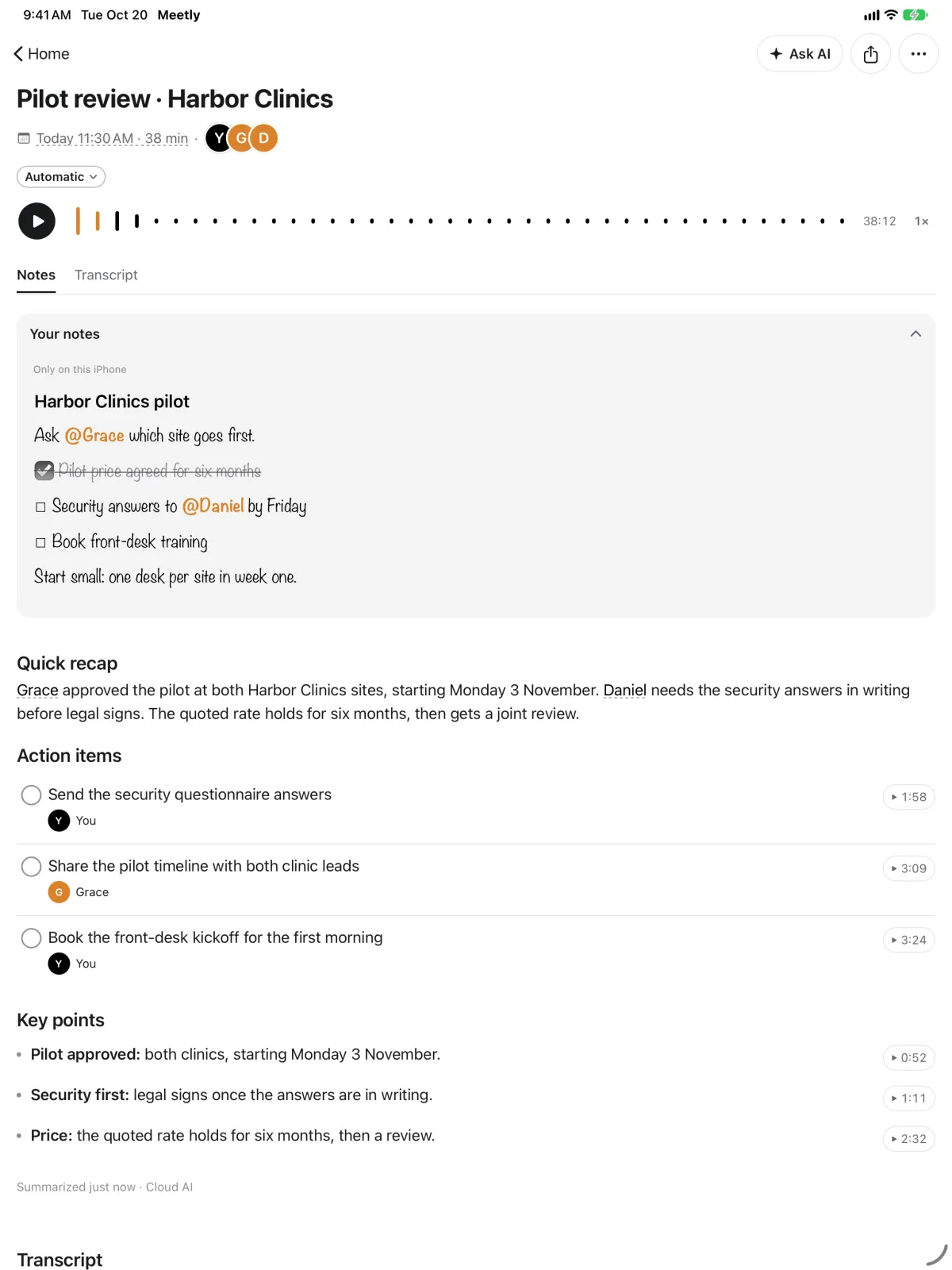
Room for it all on iPad.
Your notes, the recap and every action item on one screen. The same app, in landscape or portrait, and the same library as your iPhone and Mac through your own iCloud.
Bring it to your AI.
Ask Claude or ChatGPT about any conversation, word for word. One tap sets it up in the app.
- ChatGPTChatGPT plugin
- ClaudeClaude connector
- GeminiConnect via MCP
Gemini, Cursor, Kimi and any other AI agent connect via MCP: https://mcp.getmeetly.ai/mcp How to connect
Then get the work done, in your tools: Notion, Figma, Gmail, Google Docs, Slack, Linear, Cursor, Jira and HubSpot.
Your tools are reached through your AI’s own connectors. You choose what it reads; text, never audio.
Questions
- Is it free?
- Yes, with limits: recordings up to 25 minutes, and 5 conversations kept at a time. Meetly Pro removes the length limit and adds more conversations, voices and summaries. Free and Pro, compared
- Does it work offline?
- Recording, transcription and speaker labels do, once the language model is on your device. Summaries need a connection unless you choose an on-device model.
- Where is my data?
- On your iPhone or iPad, and in your own iCloud if you turn on sync. Cloud summaries are sent as text, never audio, and you can switch them off. Privacy
- What can an AI agent see?
- Only what you connect: it reads your transcripts and summaries and, when you ask, saves a title, tags or a note, never audio.
- What about consent?
- Before every conversation it records, Meetly asks you to confirm everyone’s OK with it, and the recorder shows “Recording with permission” while it runs. Recording laws vary by country and workplace, and some conversations shouldn’t be recorded at all. Your responsibilities
Your private vault. It’s all connected.
iCloud Sync brings your iPhone, iPad and Mac together, through your own iCloud.
- iPhone
- iPad
- Mac
Meetly Capsule and Card arrive early 2027.
Download Meetly. Start remembering today.
On a Mac too? Meetly for Mac